null
How this banner works (only visible in Page Builder)
  • Panels: add as many as you like in the Panels list. Set Status to Paused to hide one without deleting it. The homepage shows the first two that are live, in list order. One live panel fills the full width.
  • Scheduling: each panel's Schedule tab has Show from and Show until, in NZ time, e.g. 30/11/2026 5pm. Blank means always. A date with no time means midnight at the start of that day, so add a time to Show until. Panels switch on the minute with no need to republish.
  • Preview a date: Layout tab, "Preview the homepage as at". Type a date to see what will show then. Clear it when done (it never affects the live site).
  • Images: pick or upload in the image picker (Image Manager). Keep copy, buttons and stickers out of the artwork; the banner adds them. Desktop: the banner is 450px tall and the image is cropped to fill it, like the old homepage carousel. Full width: about 3200 x 914 (at least 2560 wide). Half width (two side by side): about 1600 x 730. Check it at 1280 and 1920 wide.
  • Sizing: upload one large image; BigCommerce resizes and compresses it for each screen. Phones only download the phone image.
  • Text: use | in a heading, subtitle or sticker for a line break. Leave Button text blank for no button. If an image has words baked in, type them in Image description.
  • Text shade: Design tab. Adds a light or dark tint over the image so text stays readable on busy pictures.
  • Phone image and phone shape: each panel has its own phone image, and its own phone shape (Design tab), which overrides the Layout tab's default. The shape sets the banner's height on a phone; the phone image is cropped to fill it, never squashed, and the sticker never changes the size. Supply the phone image 1200 wide, in the shape you pick: Tall 4:5 (default) 1200 x 1500, shows 390 x 488 on an iPhone; Portrait 1200 x 1403 (390 x 456); Square 1200 x 1200 (390 x 390); Landscape 4:3 1200 x 900 (390 x 293); Wide 5:3 1200 x 720 (390 x 234, the height of the old homepage banner). Use Wide or Landscape for a landscape phone image, Tall when the products need room.
  • Default panel: Schedule tab, tick "Only show when nothing else is live". It stays hidden while any promotion is live, then takes over when they all end. Keep it at the bottom of the list with no dates. Two default panels show as a pair.
  • Focus: which side of the image to keep (left, centre, right) when it is cropped to fit.
  • Link: where the whole panel goes when clicked, e.g. /occasions/christmas/. Must start with / or https://.
  • Info list (e.g. delivery cut-offs): one line per row, **bold** for labels, [link text](/page/) for links, a blank line for a gap.
  • Sticker: round badge with its own from and until dates. Sticker size Large makes it much bigger; "Big first line" makes the first line large (e.g. "$10 | Delivery | NZ wide"); "Outline ring" adds a ring in the text colour. E.g. "Now closing | Cyber Monday | 5pm". Set Sticker type to Countdown and it counts down by itself: "Ends in 3 days", "Ends tomorrow 5pm", "Ends today 5pm", "Ends in 2 hrs". It counts to "Count down to", or the panel's Show until if blank, and disappears at the deadline. Sticker text becomes an optional first line, e.g. "Black Friday".
  • Warnings: the yellow bar lists problems to fix before publishing, such as a missing or landscape phone image, an image too small, a date it can't read, a sticker covering the text, or ended panels you can delete.
  • Tracking: views and clicks of each panel go to Google Analytics as promotions, named by the panel Name (or heading). See Reports, Monetisation, Promotions.
  • Using it on other pages (e.g. category pages): drag it into the page in Page Builder; each placement is its own banner with its own panels and dates. Set "Hide the old carousel" to off (homepage only). Name panels by page, e.g. "Christmas page: Delivery cut-offs", so Google Analytics reports stay separate. On a category page a shorter Desktop height (e.g. 300 to 350) keeps more products in view. Category pages only have a Page Builder area at the bottom of the page until the theme adds one at the top.
  • Safety net: if no panel is live, the old homepage carousel shows instead.

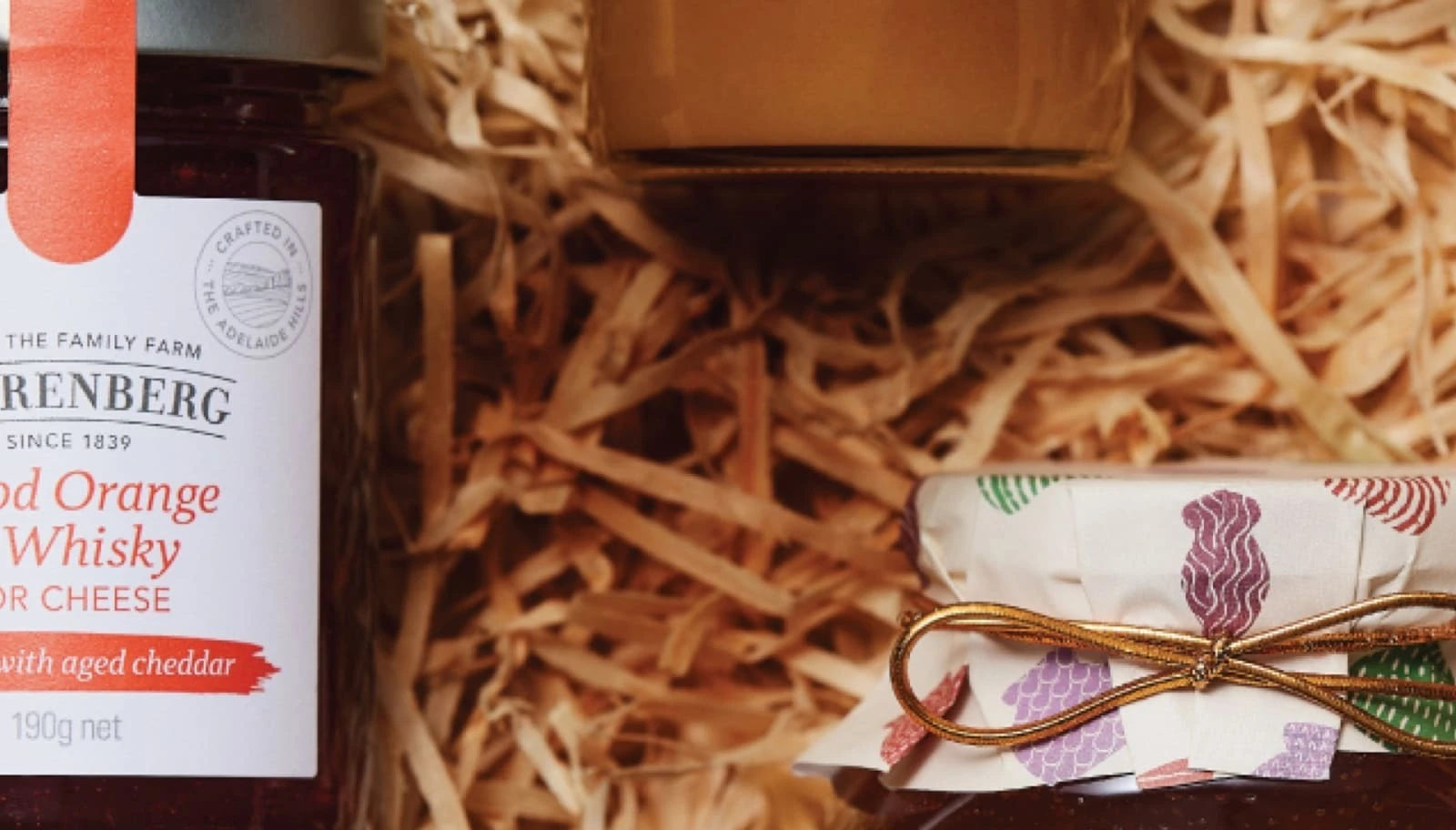
Shop our Christmas Range

Over 150 Gift|Baskets Online

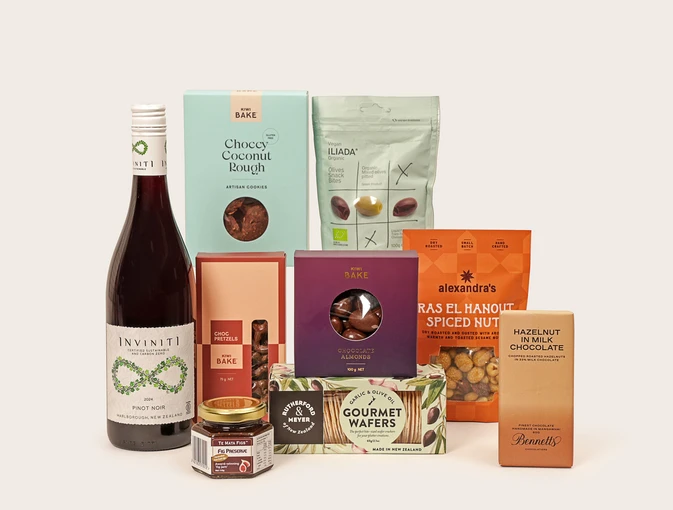
Gift baskets for every occasion

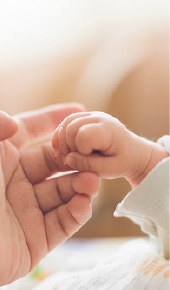
New Baby &|Mum Gifts

Celebrating a new baby?

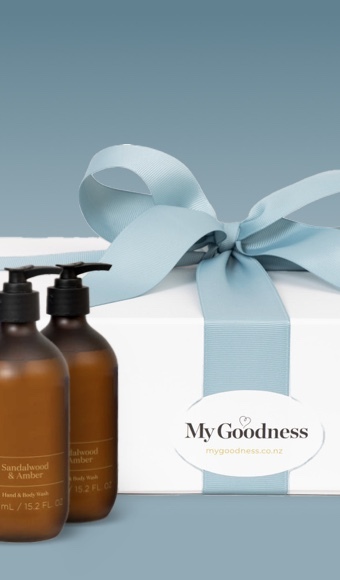
My Goodness Gift Box
With an impressive range of contemporary styled Gift Boxes and a beautiful selection of country themed Gift Baskets, we offer more ways to spoil the people you care about. Whether it's a gift for Her, or a gift for Him, a thoughtful New Baby Hamper, or Christmas Gifts for the staff and customers, we make it easy. Beautiful gifts for everyone and every occasion since 1999.
BEAUTIFUL GIFTS for over 20 years established 1999
Voted no 1 by leading nz magazine
We offer a money back guarantee
Same day auckland delivery
Next day nationwide delivery

Corporate & Custom Gifts

How to Customise a gift for your staff or customers
Find out more

Trusted by some of NZ’s biggest brands

BMW Metlifecare Westpac Raywhite Mini Coooper ASB Air NewZealand

Read more about what we do

What our Customers have to say

Join us and receive special gift basket offers